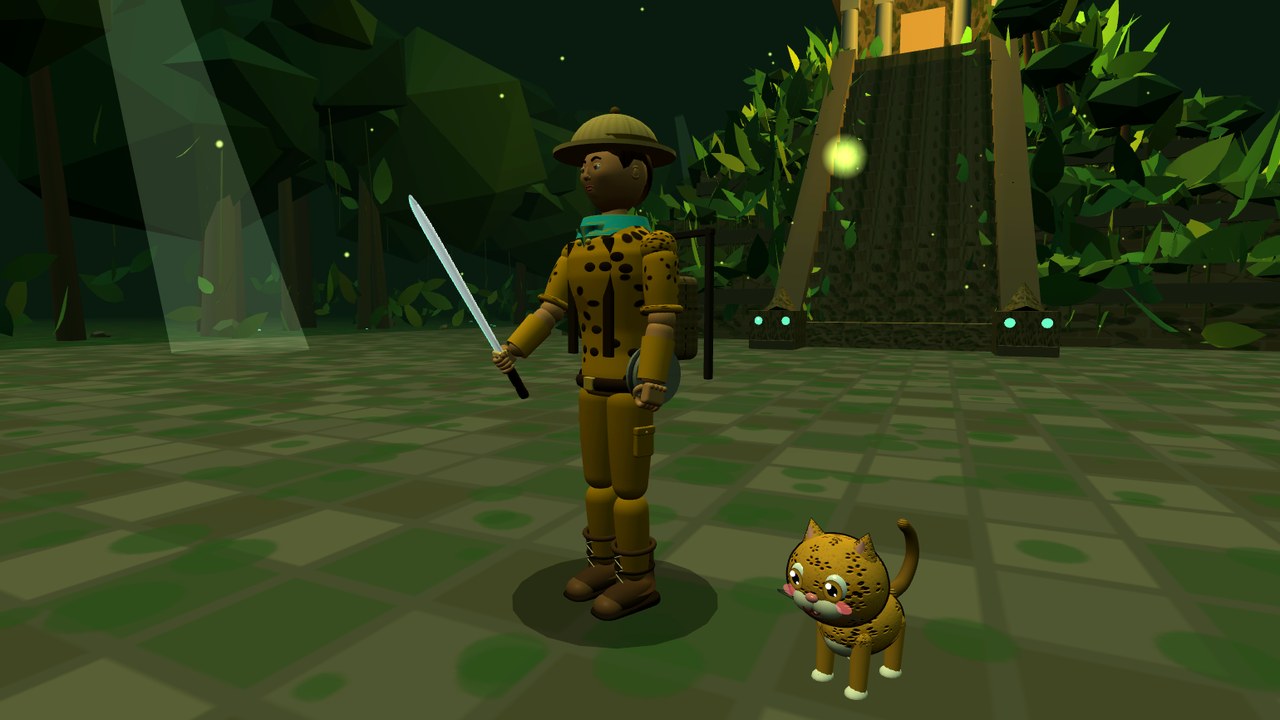
THE GAMES
One game per unit. More are on the way.
Run a class leaderboard in two minutes.
Every game has a Teacher Hub (the Teacher tab in the Command Center). Students never type their name or email. Each one gets a random callsign like Cosmic Falcon 42 and a secret pilot code that brings their progress back on any device.
Make a class code
Open any game, go to Command Center → Teacher, and create one code per class period. Write down the teacher key it shows you.
Students join
They type the class code on their pilot card or the Ranks tab and instantly see the class leaderboard. Class codes work in every Prism game.
See the roster
Your teacher key opens the roster: callsigns, pilot codes, XP, systems cleared and accuracy. Copy it into Sheets and add names. Lost codes are one look away.

Prism turns your common assessments into data walls, automatically.
A Google Sheets add-on that builds common assessments for your PLC, collects every response, and renders Data Studio data walls and intervention lists automatically.